COUNTDOWN FOR IMPORTANT TASKS

A countdown to when your important tasks are due!
Card Countdown from current time until the target date and time. Once time is up, the card is marked red so you always know when tasks are overdue and need action.
Basic
Free
for unlimited boards
- Set countdown target date
- Set countdown from due date
- Mark card countdown done
- Pin countdown
- Remove card countdown
PRO
One-time purchase
per user for unlimited boards
- Countdown formats
- Thresholds
- Countdown for all due dates

FEATURES
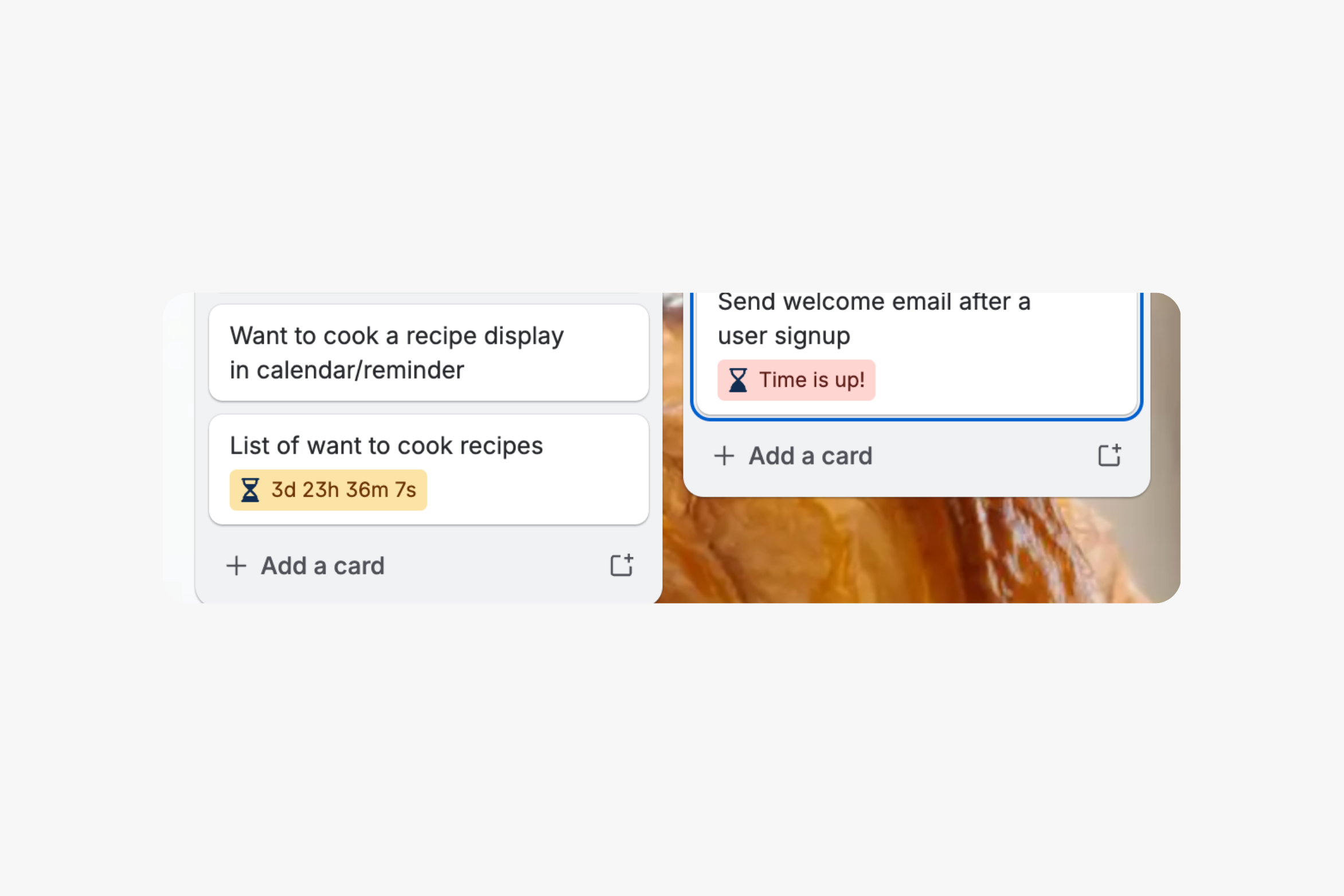
Countdown card badge showing the number of days left or when time is up.
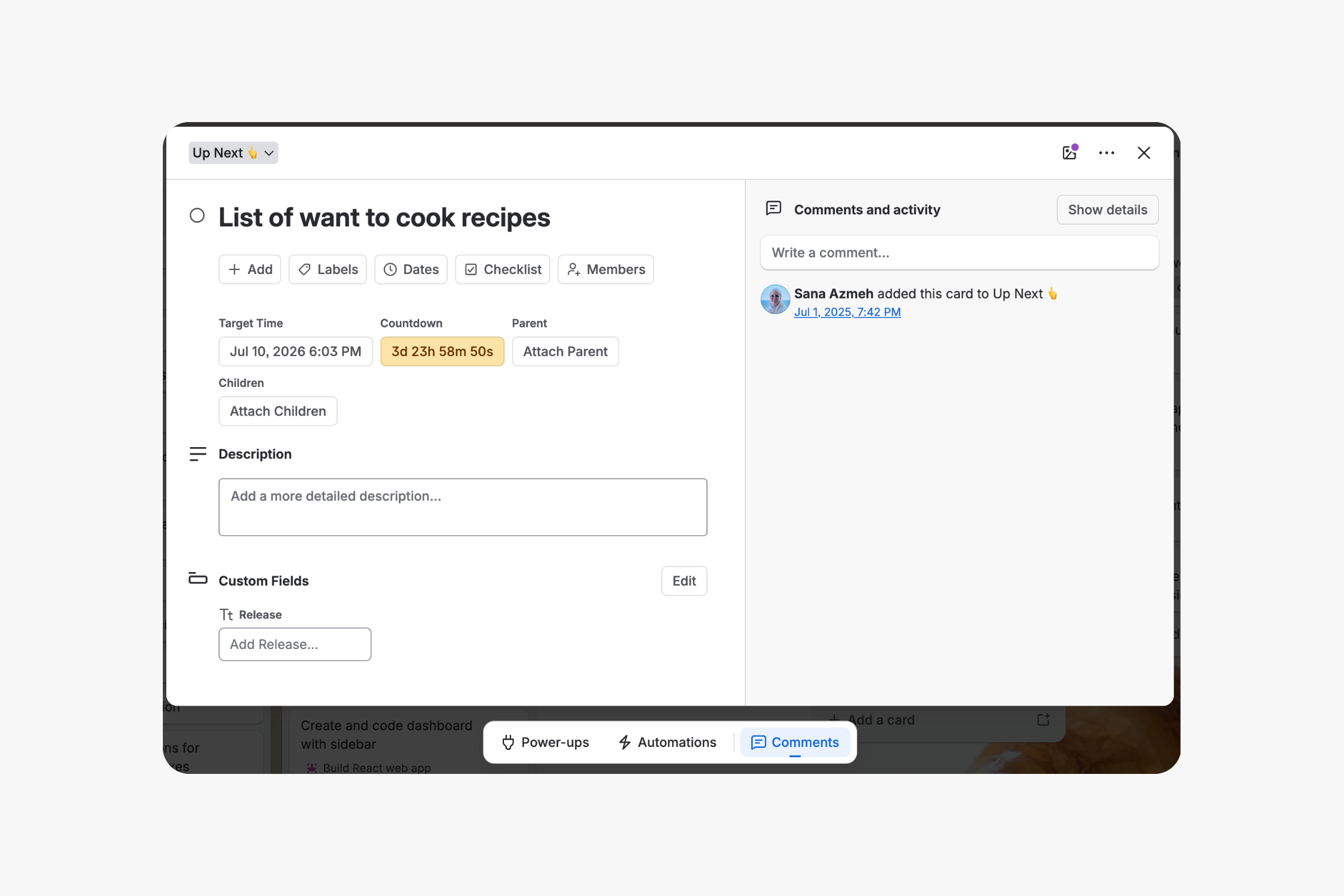
Card detail countdown showing target datetime and countdown, after setting it from countdown button.
Card countdown options when clicking on target datetime, or from countdown button.
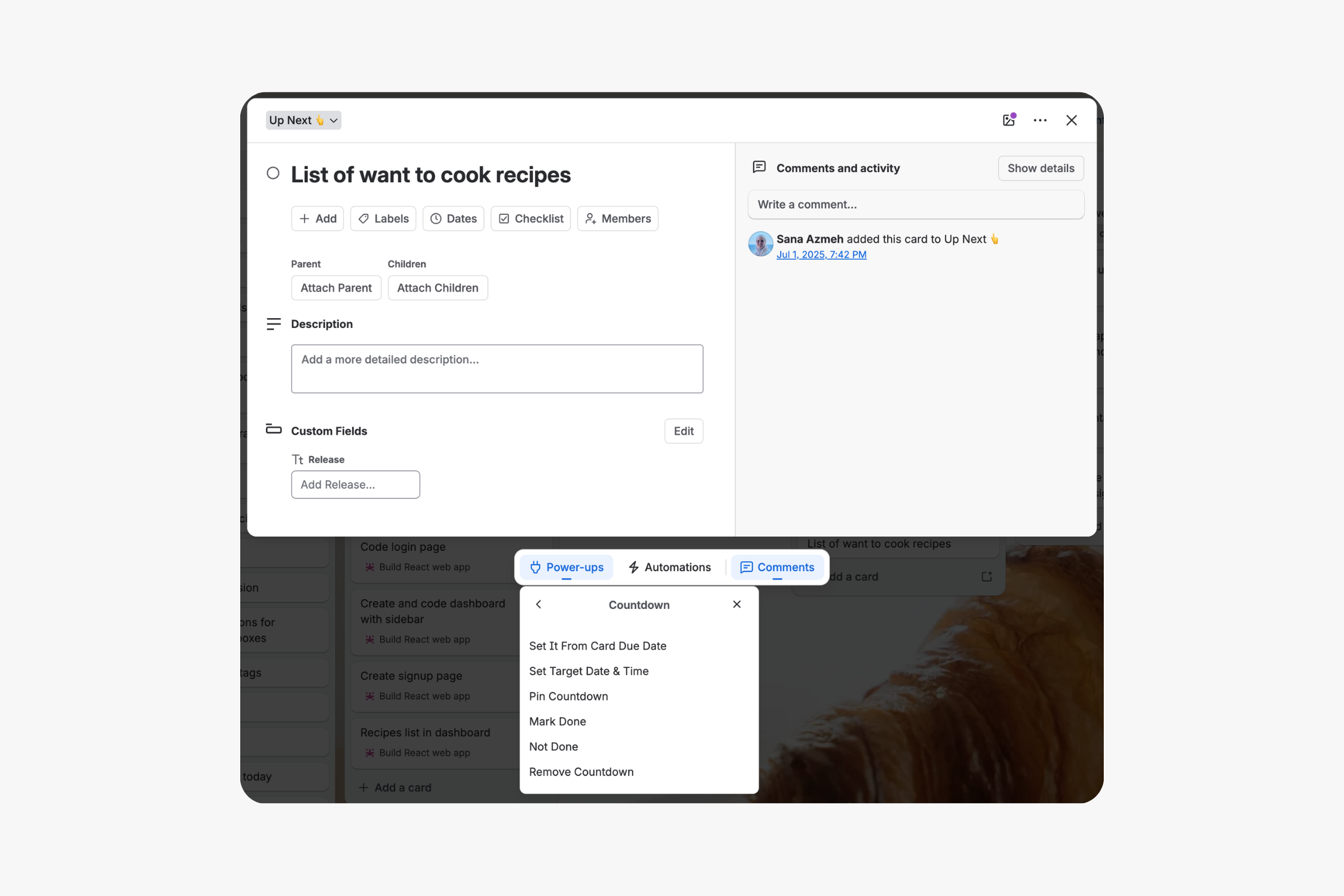
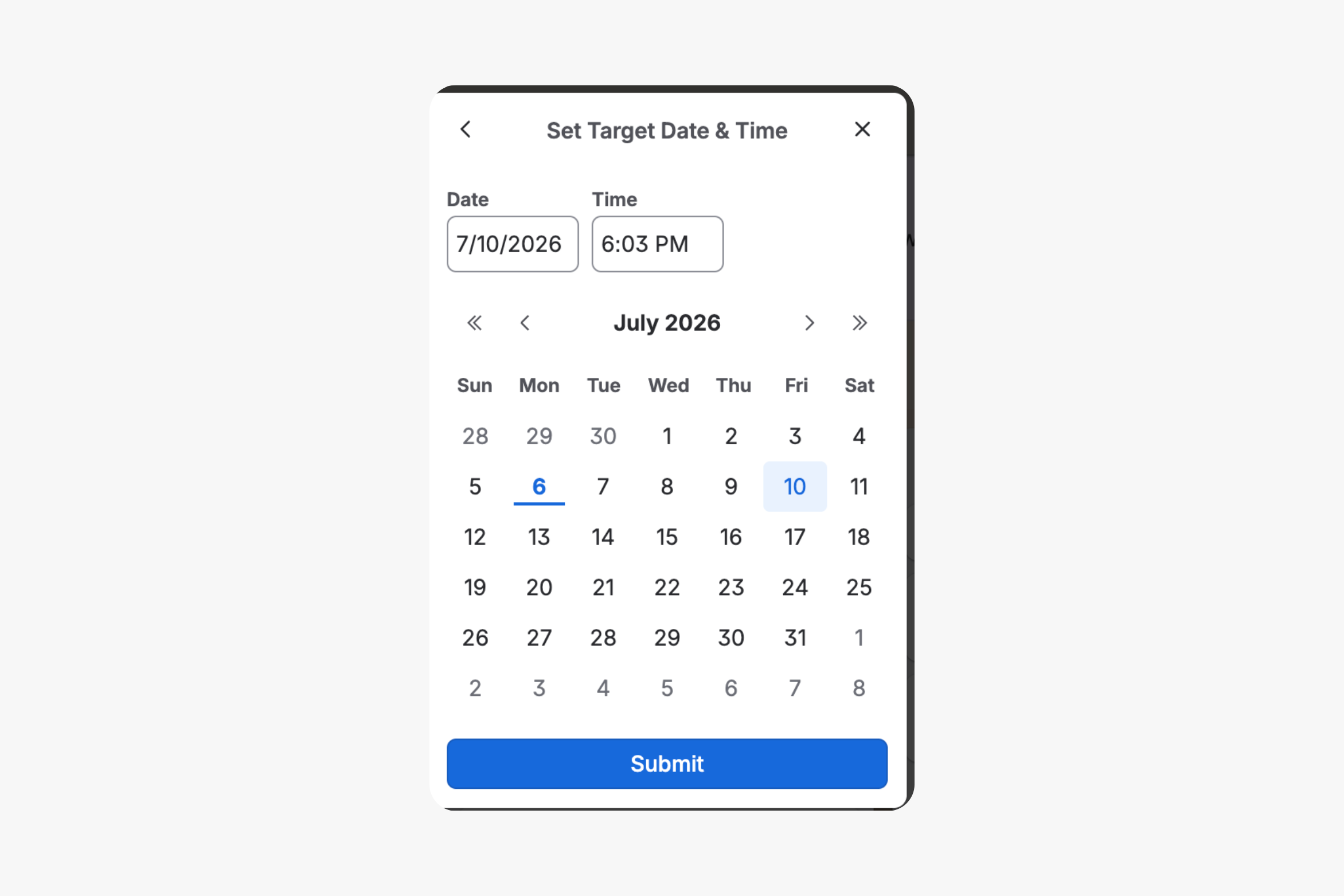
Card detail when setting countdown target date and time from countdown button or target time link
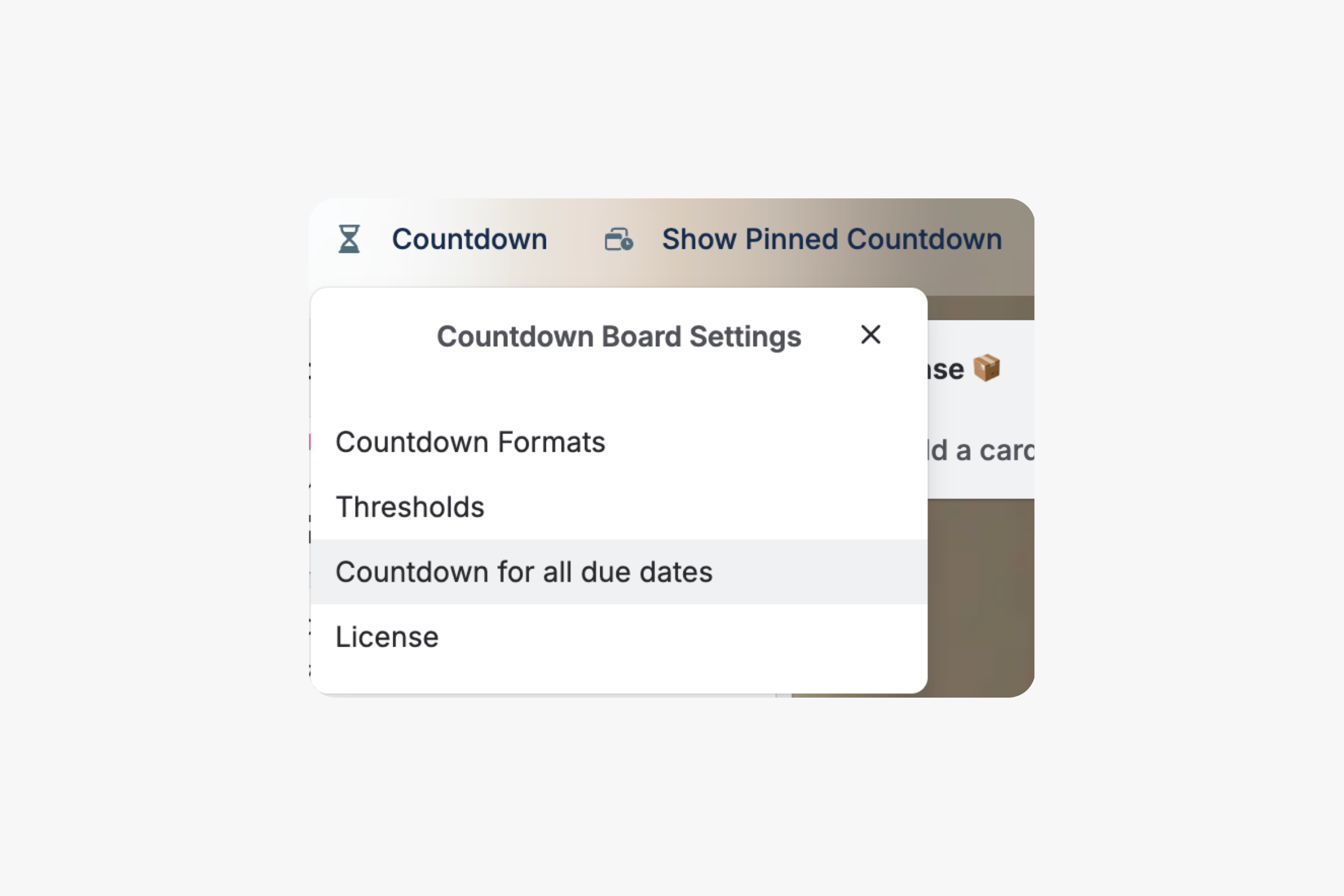
*PRO* Set countdown format and thresholds and activate the countdown for all due dates from the countdown board button.
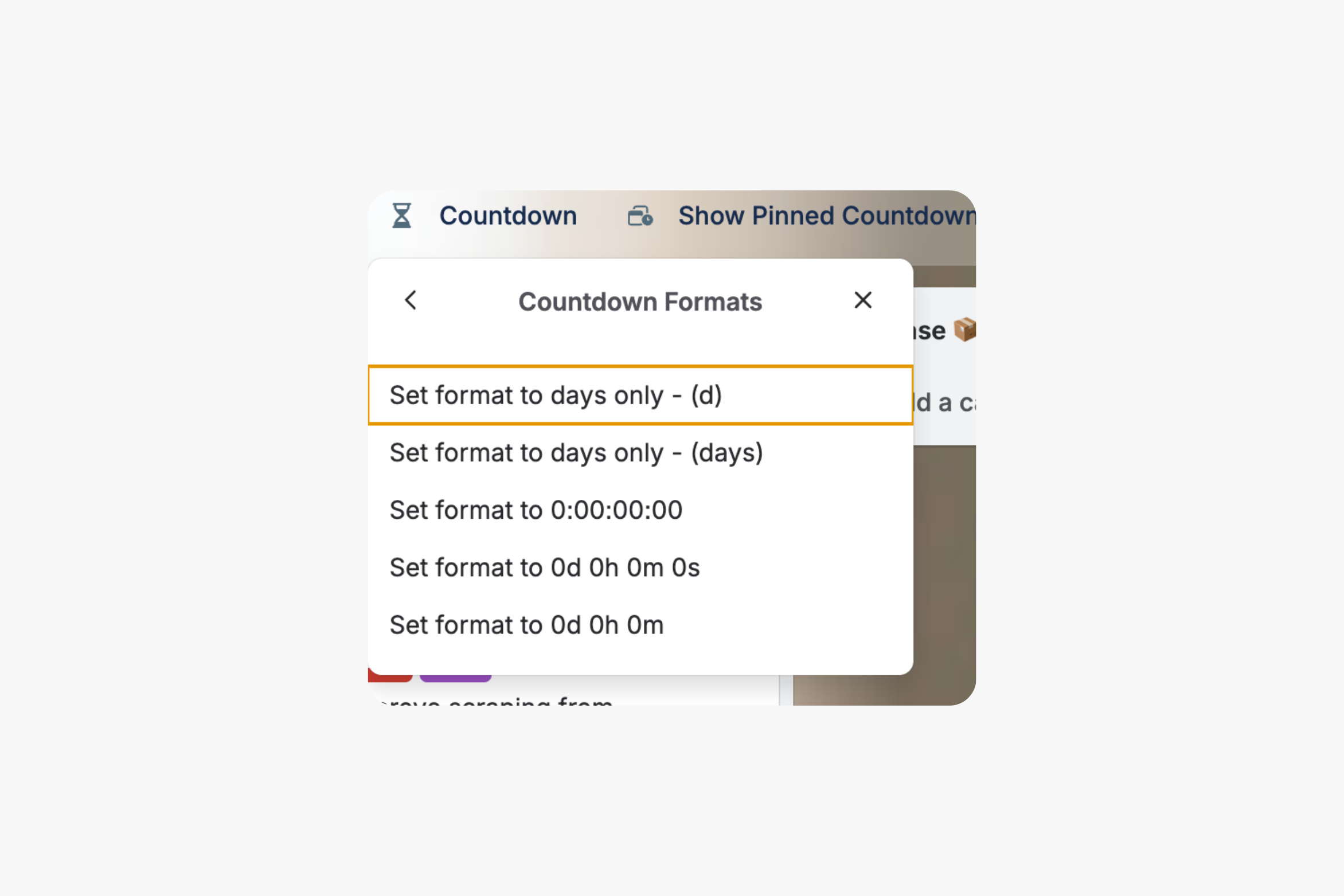
*PRO* Set countdown format from countdown board settings > Countdown formats.
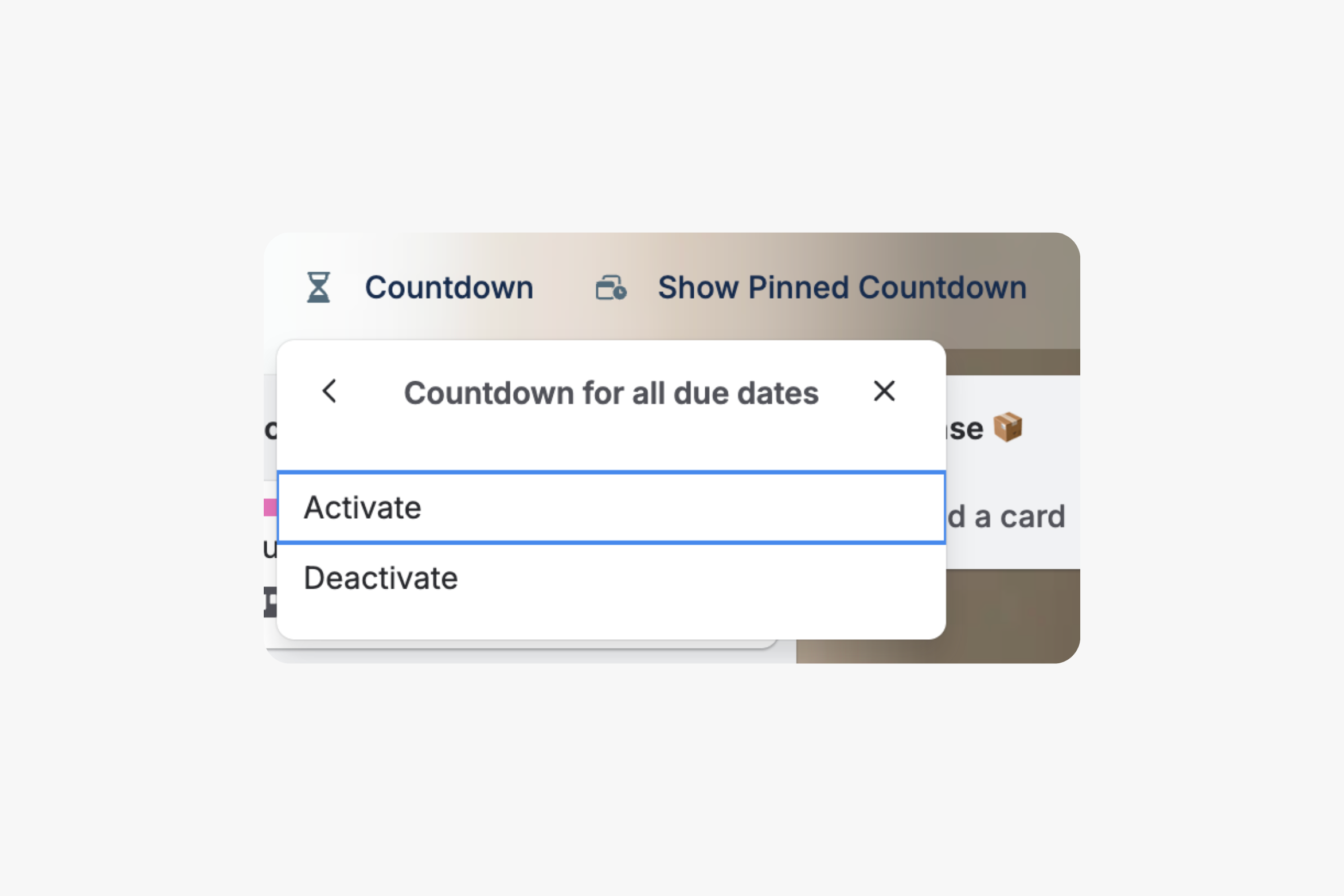
*PRO* Activate countdown for all due dates from countdown board button > Countdown for all due dates. It will show countdown for all due dates automatically in this board instead of manual entry of countdown.
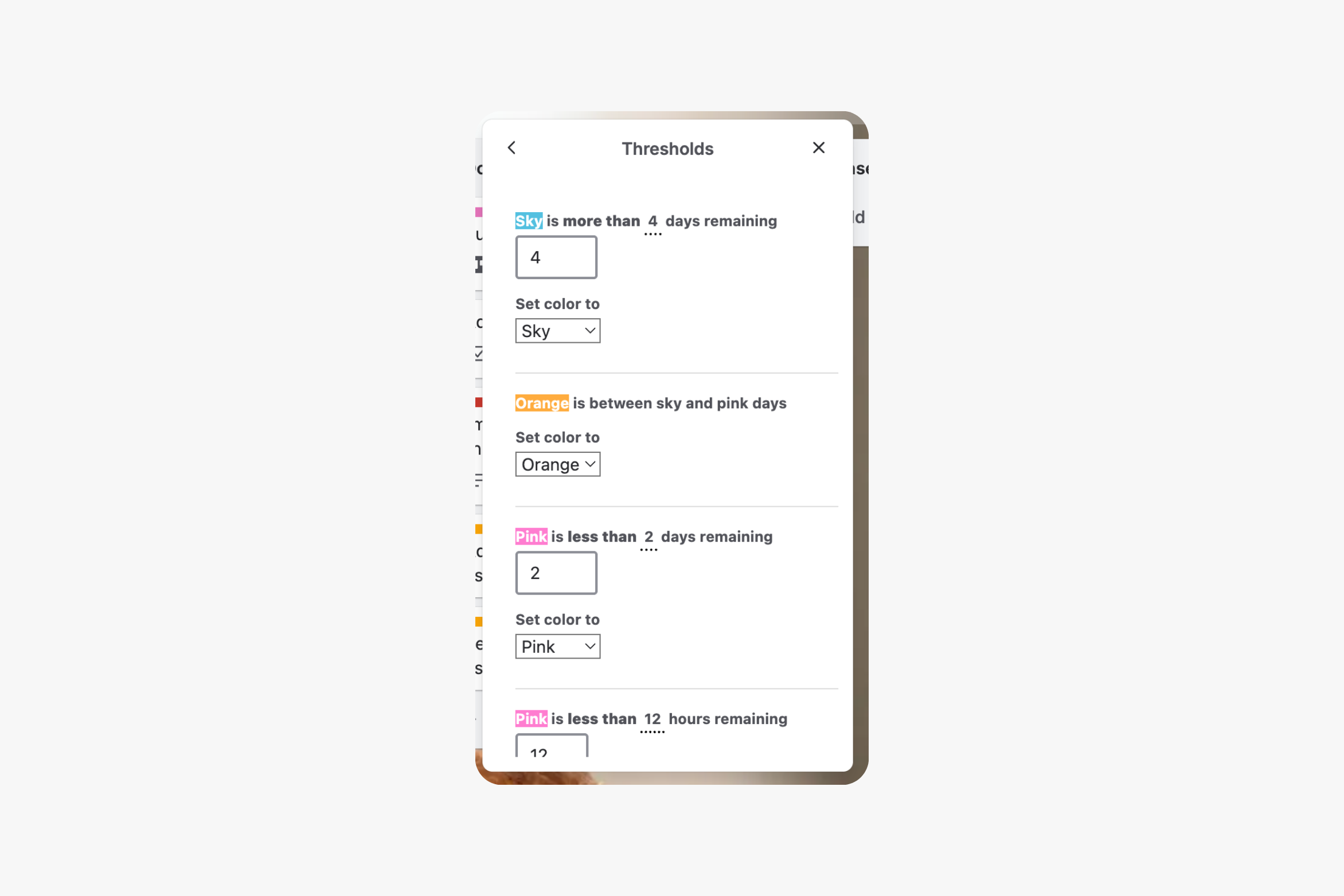
Default Thresholds: Card countdown colors are Red: Past Due, Pink: 2 days remaining or less, Orange: Between 2 and 4 days remaining, Blue: More than 4 days remaining
*PRO* Custom Thresholds: Set your own 3-level threshold days and colors for each board, then 1-level in hours, and lastly 1-level in minutes.
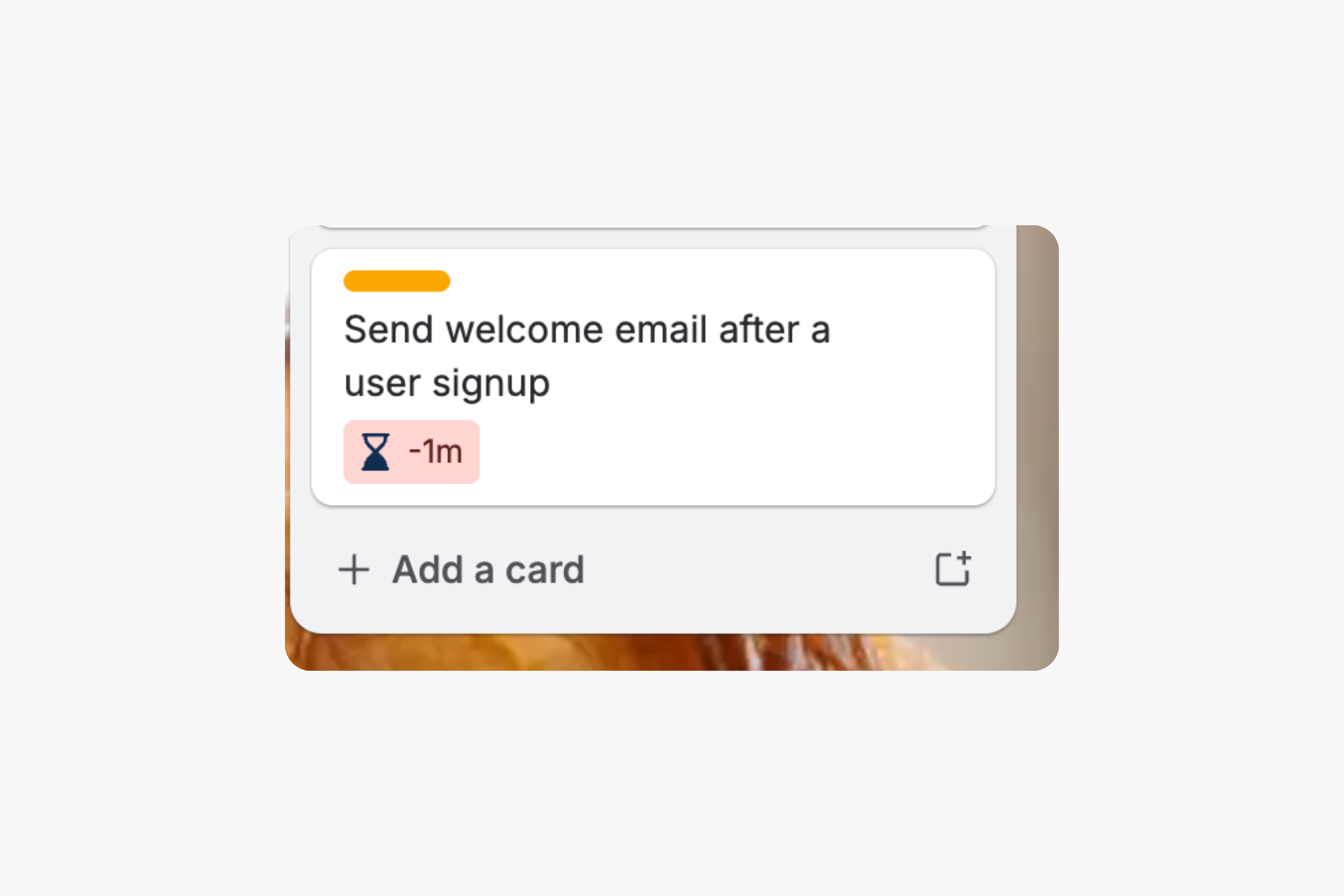
Card countdown past due shows negative values in minutes, hours, or days.
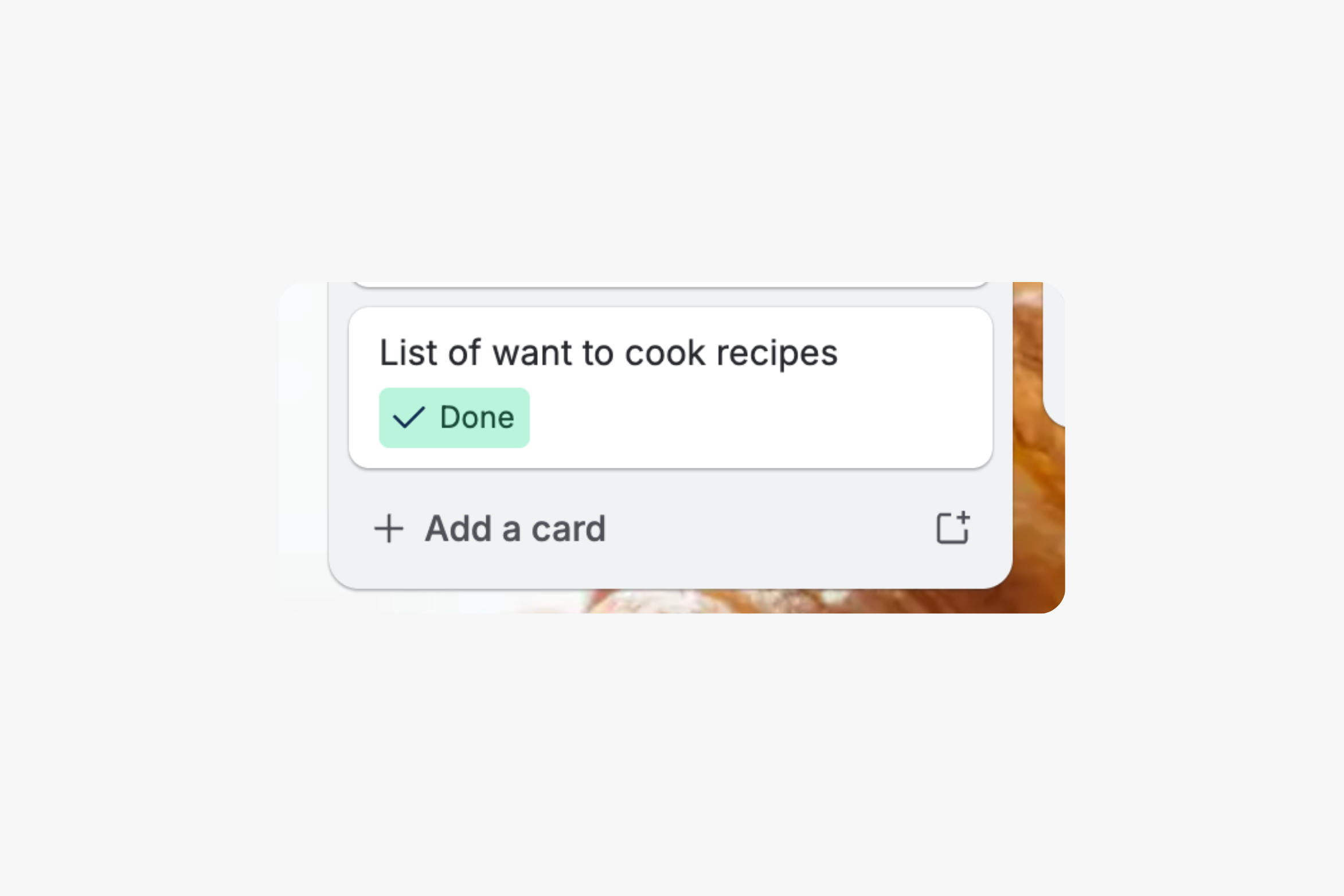
Card countdown done.
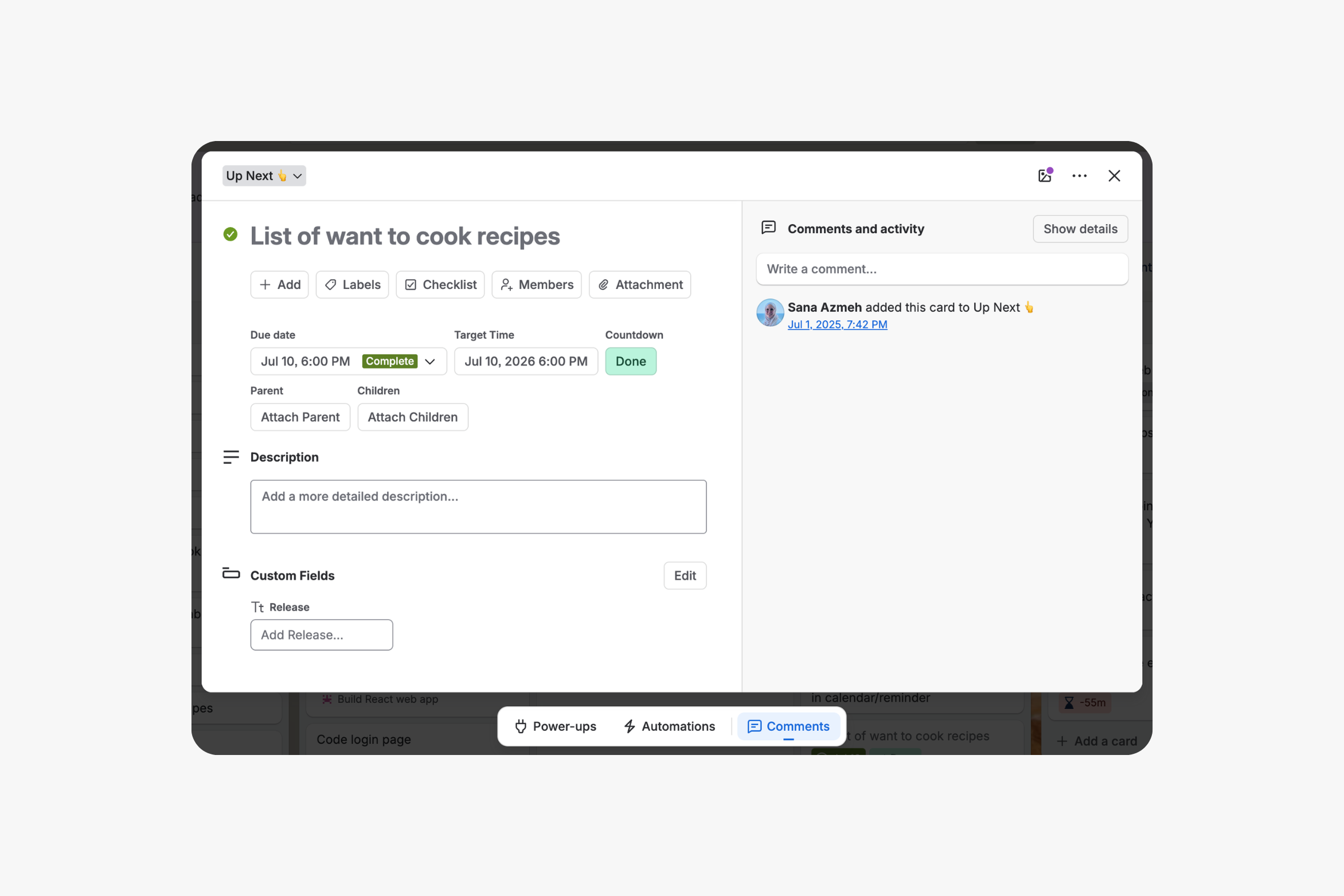
Card countdown date matching due date and due complete after selecting Set it from Card Due Date.
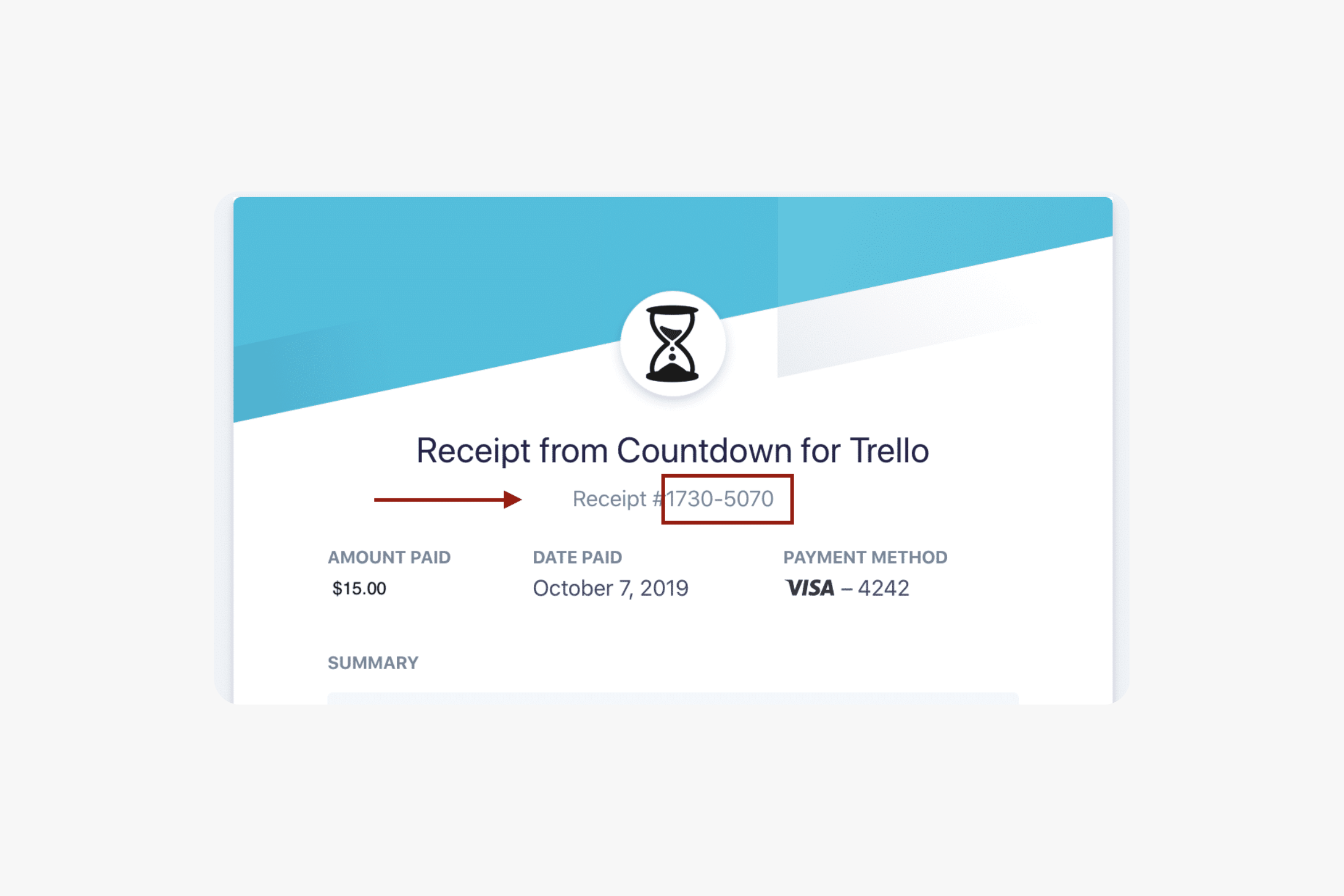
To activate countdown board settings click on Buy Now to proceed with purchasing. Then when receipt is delivered to your inbox, enter in Countdown board settings your receipt email and number.
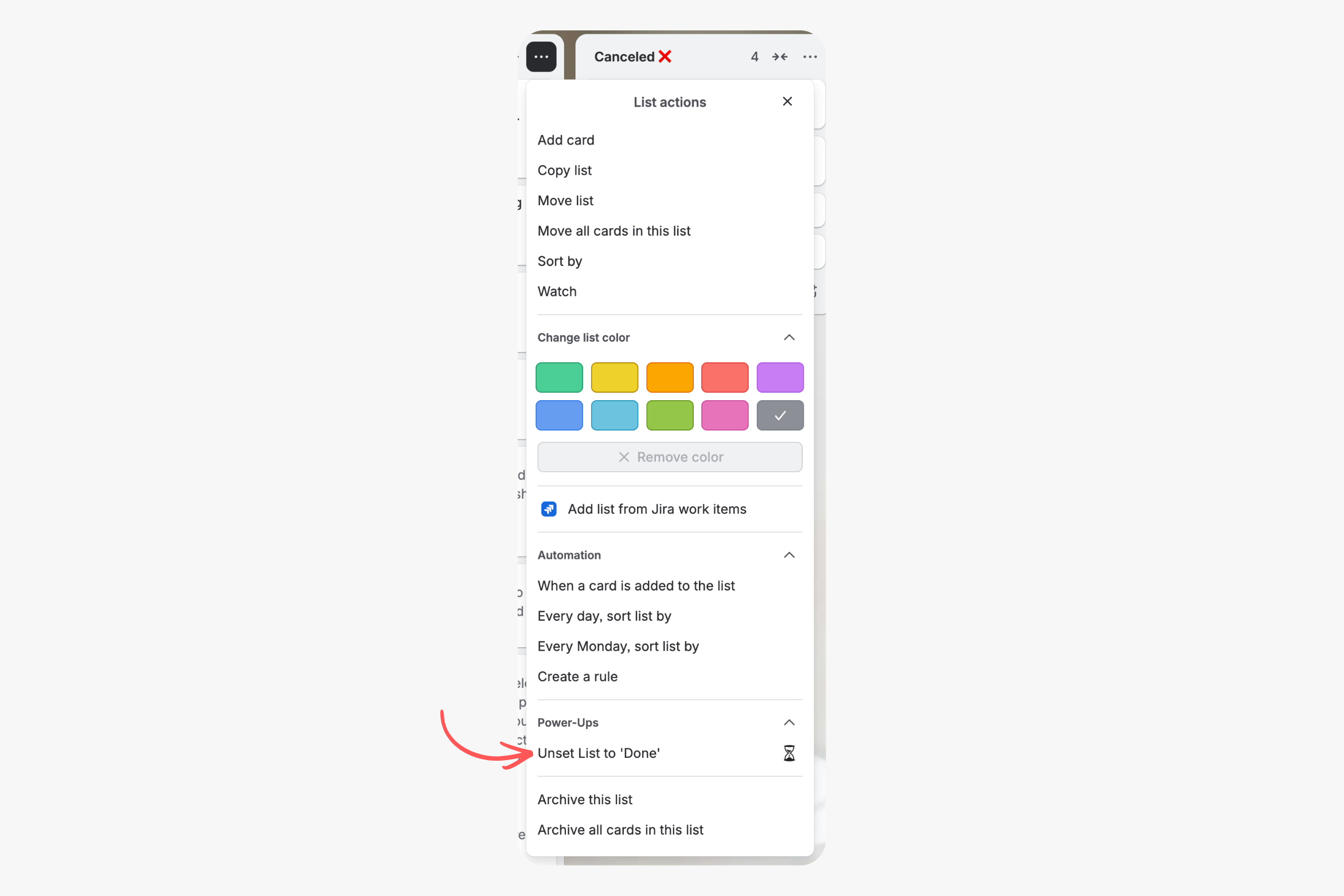
2 list actions are available:
- Set List to 'Done'. All countdowns in this list will be marked Done.
- Set List to 'Remove Countdowns'. All countdowns in this list will be removed.
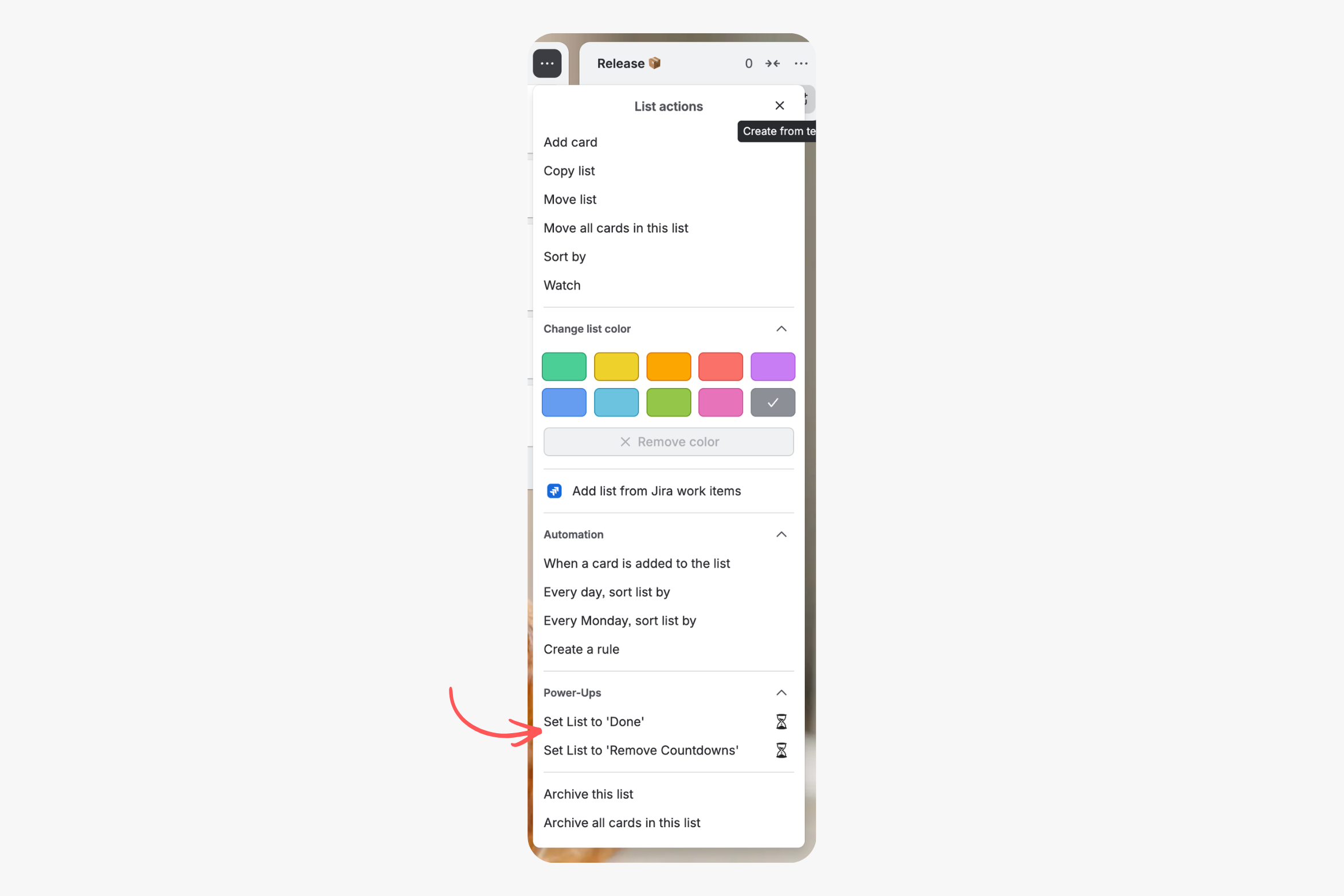
Unset this list to 'Done'. Also unset this list to 'Remove Countdowns'.